
LEARN WITH DEX ZERO
Mark it up.
Talk it through.
Write or draw your direction right beside the idea, and your agent answers on the same board. Start with a short study, then follow a lesson from the board to a real app.
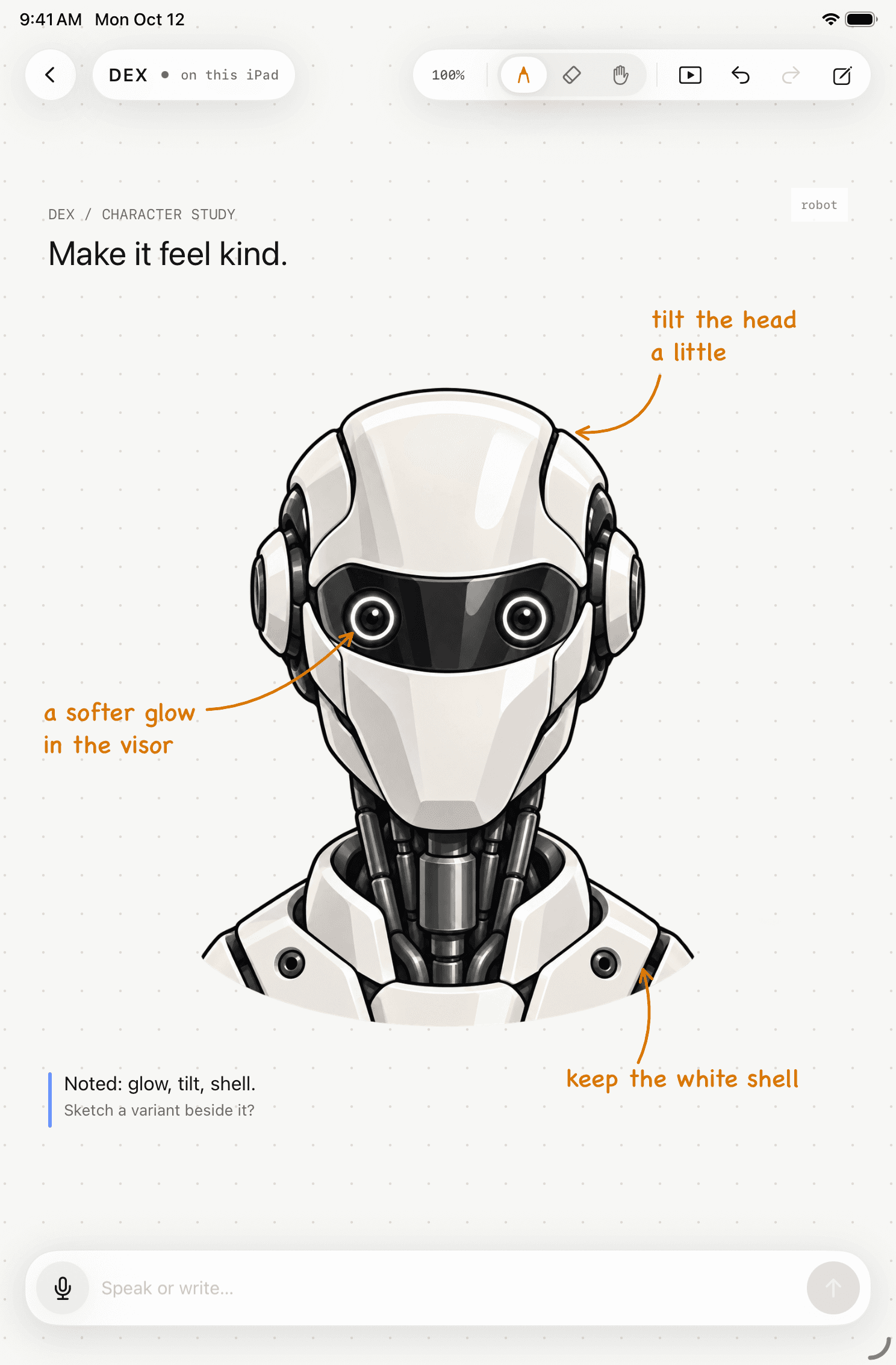
STUDY / A KINDER ROBOT
Three notes.
One reply.
Each direction sits beside the part it’s about. The reply lands on the same board, so the notes and the conversation stay with the idea.
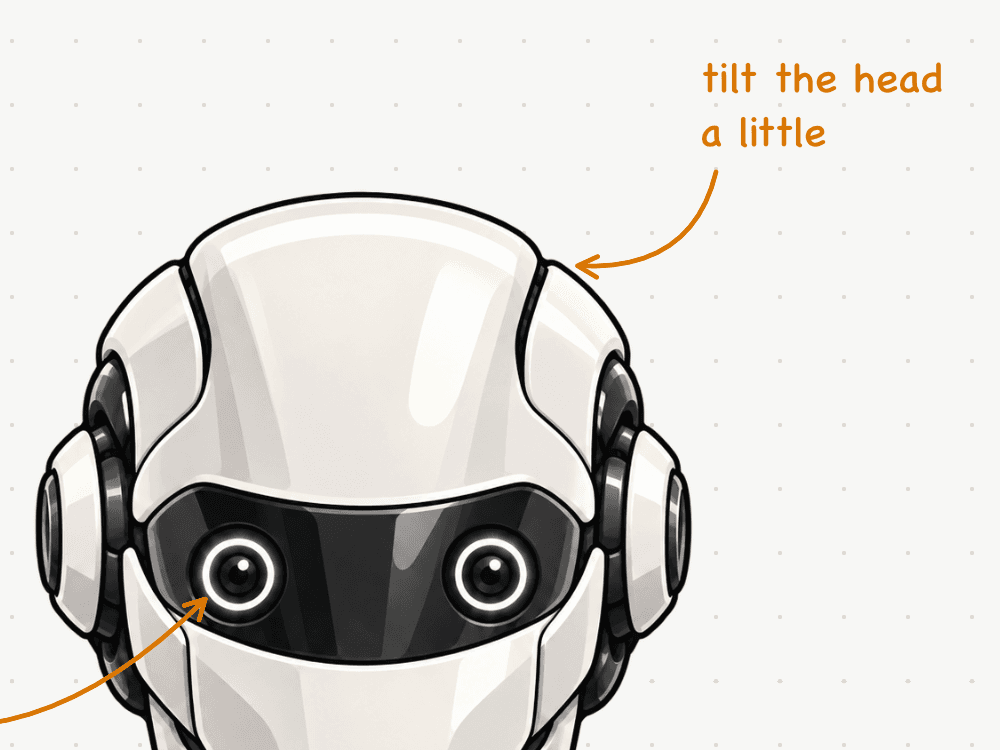
DIRECTION / HEAD
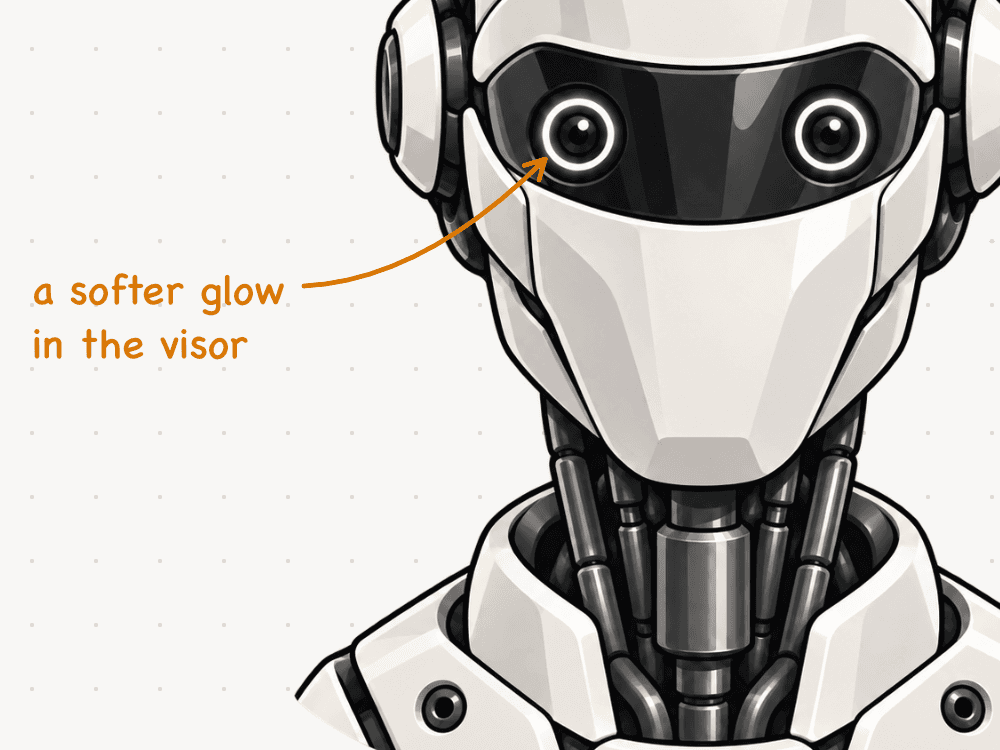
DIRECTION / VISOR
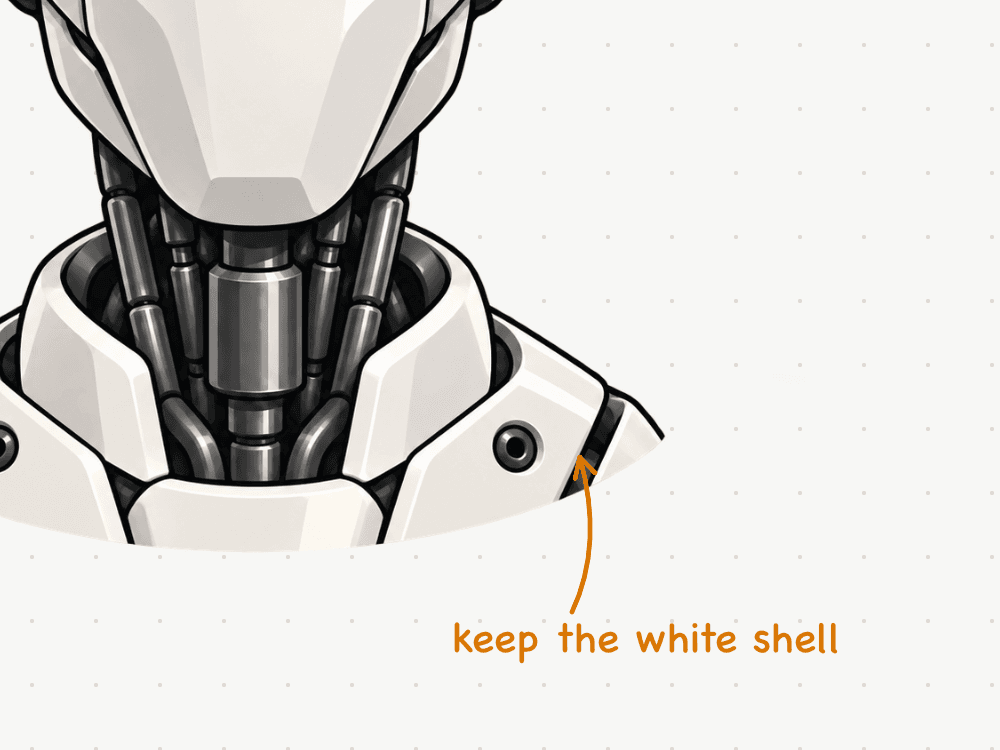
DIRECTION / SHELL
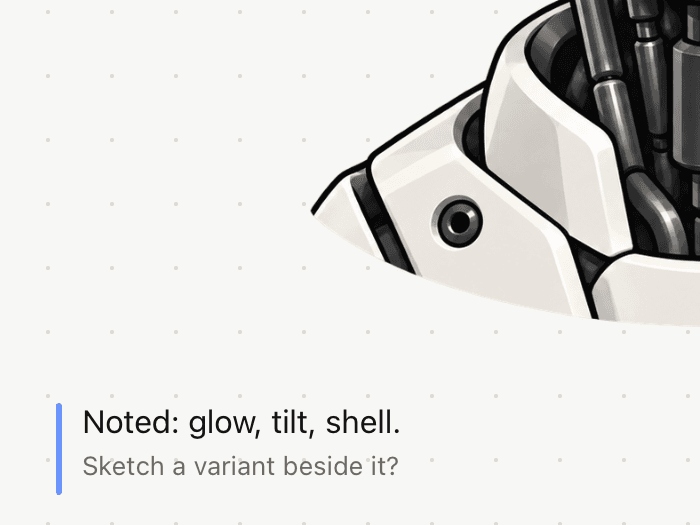
REPLY / SCRIPTED
- The robot
- A reference illustration supplied by DEX Zero’s founder. The capture script placed it on the board unchanged, and DEX Zero did not generate it. Adding your own photos or image files to a board isn’t available in DEX Zero yet.
- The notes
- The amber handwriting-style notes and arrows were placed by the same script through the board’s own editing operations, not drawn live with Apple Pencil.
- The reply
- The blue note uses DEX Zero’s real agent-note style. The script placed it and wrote its text; no agent was connected.
- The screen
- Native captures from the iPad simulator on October 12, 2026, in English at 100% zoom. The device frame is drawn by this site; the close-ups are crops of the same capture.
LESSONS
From the board to something real.
- APP MODEPoint to it. Change it.Select a SwiftUI element on iPad, preview a new size, and apply the change to the project on your Mac.
- GUIDED PROJECTYour first web app.Plan a fictional finance dashboard on the board, then build it with the coding agent on your Mac.
- DEMOTry Forma.The finished example from the lesson. Filter transactions and add a demo one.
- REPLAYWatch a board take shape.A native DEX Zero replay of an interface study, rebuilt one change at a time.