DEX ZERO HUB FOR MAC
From your Mac.
To your board.
Keep the agent you know. Give it a board. Connect Claude Code or Codex on your Mac to the ideas taking shape on your iPad.
macOS 14 or later · Claude Code or Codex
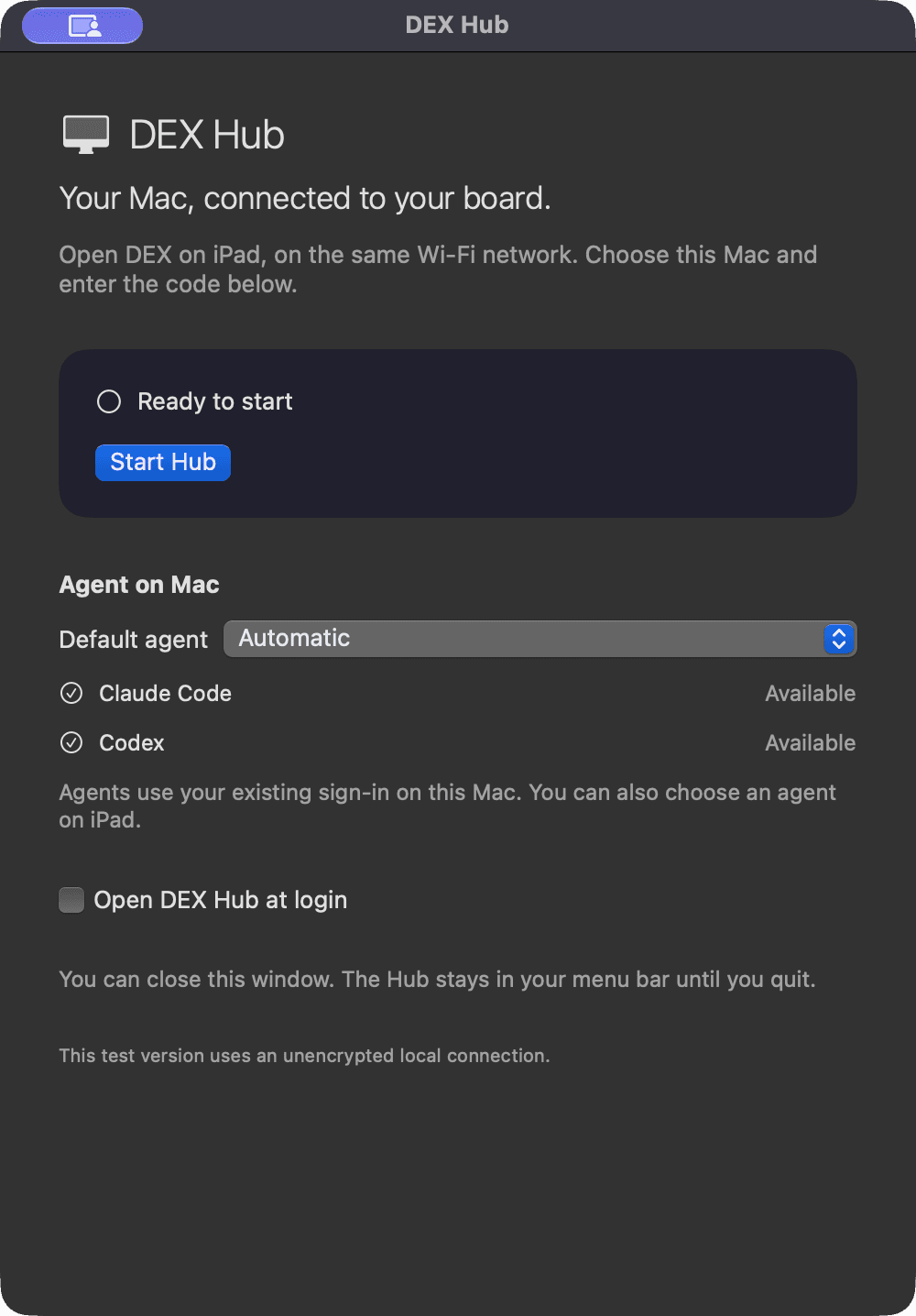
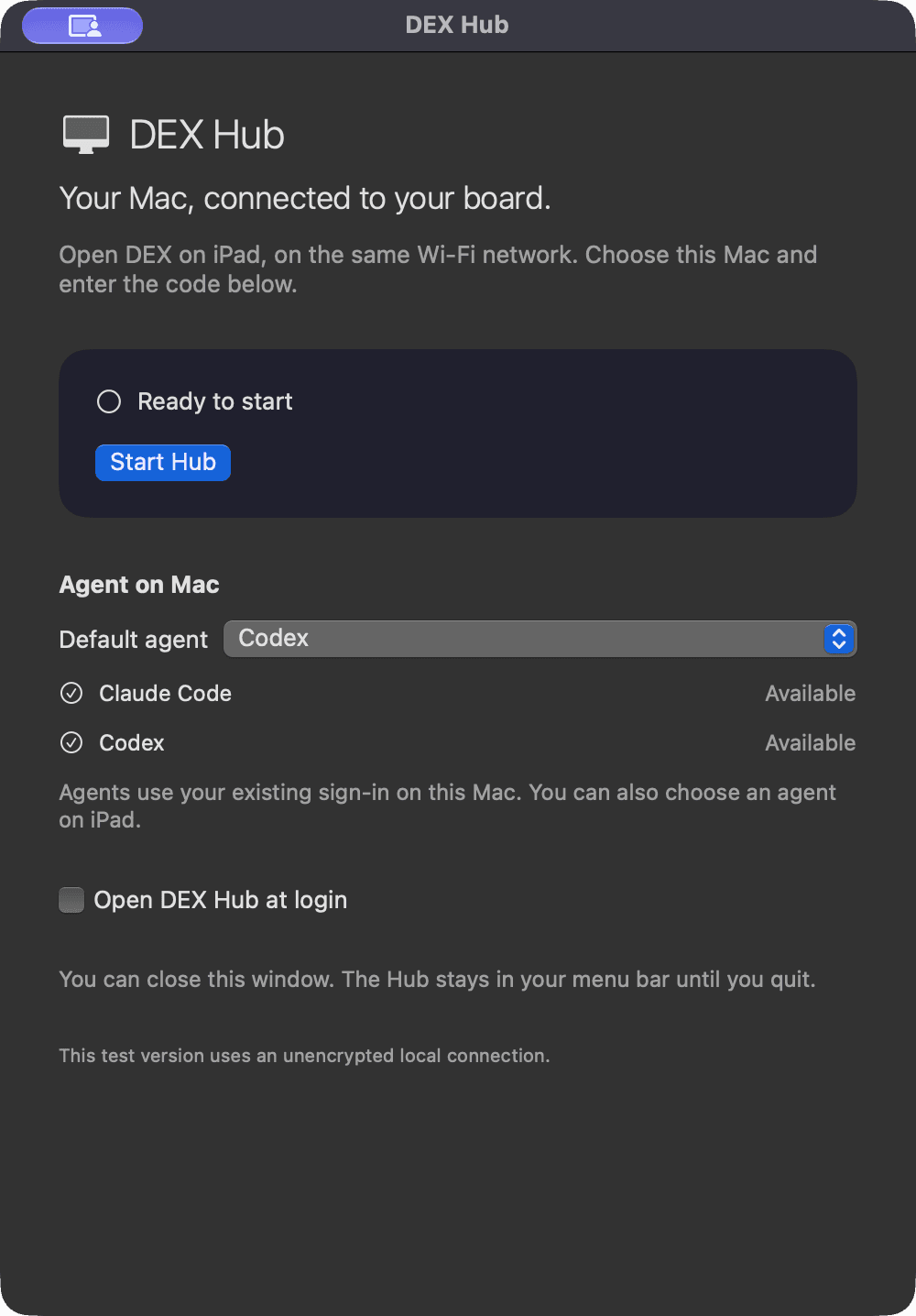
Your agent, already at home.
Claude Code or Codex, with your existing sign-in.
A small connection.
Choose your Mac. Pair on the same Wi-Fi.
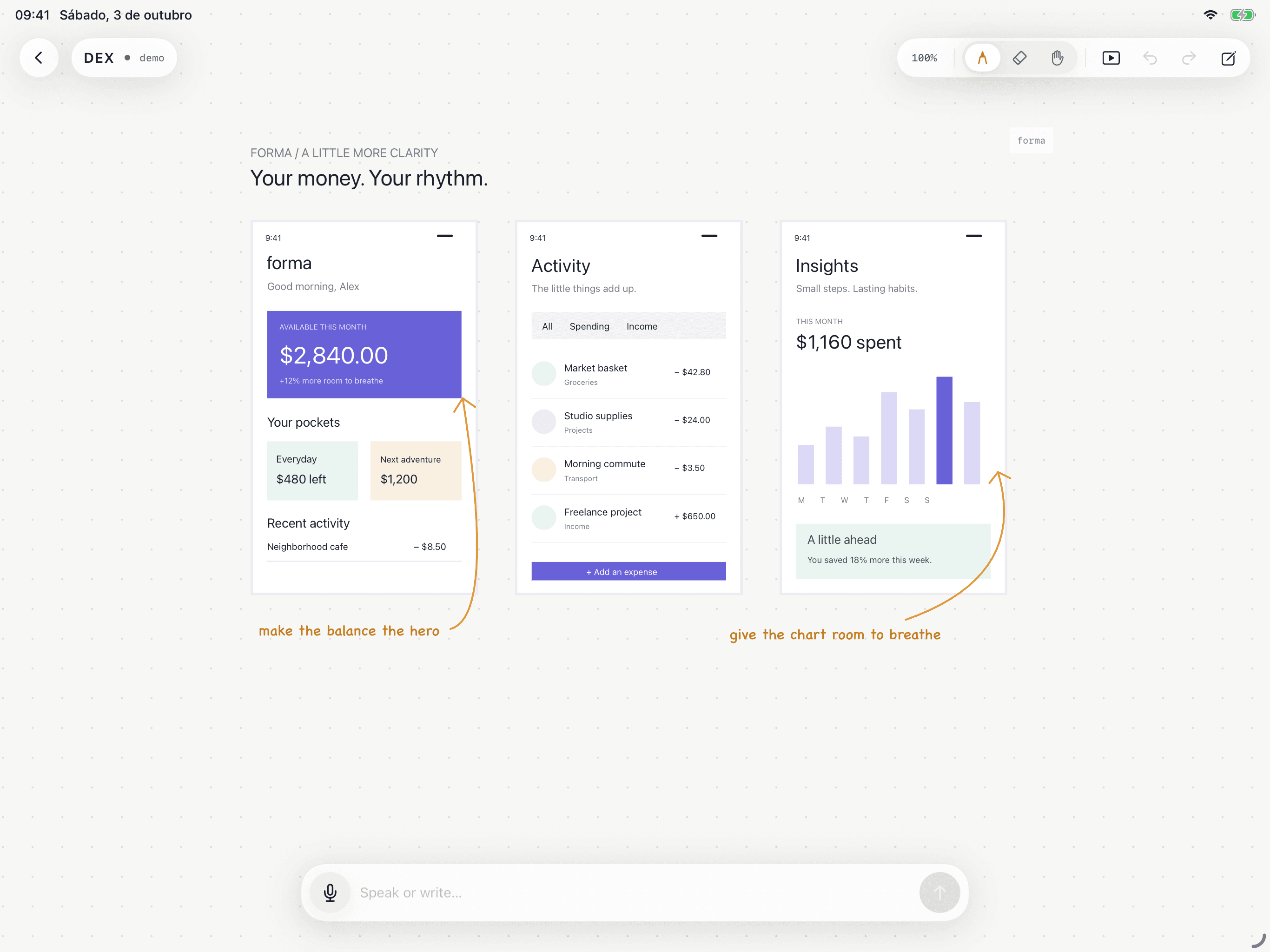
A bigger space for ideas.
Draw, point, and shape the next step together.
ONCE ON MAC. ALWAYS AT HAND.
From setup to your first idea.
- 01
Download on Mac.
Open this page on your Mac and download DEX Zero Hub.
- 02
Drag. Open. Done.
Open the .dmg file, drag DEX Zero Hub to Applications, and open the app. It lives in the menu bar.
- 03
Bring your agent.
Install Claude Code or Codex and sign in on your Mac. The Hub shows the agents it finds.
- 04
Find your Mac on iPad.
With both devices on the same Wi-Fi network, open DEX Zero, choose your Mac, and paste the secure pairing key copied from Hub. The local connection is encrypted with TLS.
GOOD TO KNOW
Does my Mac need to stay on?
Yes. Keep your Mac on, the Hub open, and both devices on the same network while you talk with the agent. The agent may also need internet access to reach its provider.
Does the Hub include Claude Code or Codex?
You install and sign in to the agent on your Mac. The Hub connects it to the board. Your existing provider account and plan apply.
Can I switch Macs?
Yes. Install the Hub on the other Mac, disconnect the current Mac on iPad, and choose the new Mac. Your boards stay saved on iPad.